

01 / LOAD BALANCING
Traffic Distribution
Review and configure traffic distribution based on application and server characteristics.
NEOIDC reviews service architecture and traffic patterns to support L4 load balancing, backend server integration, health checks and operational needs.
Load balancing distributes incoming requests among multiple servers. The right design depends on application behavior, server capacity and operating policies.
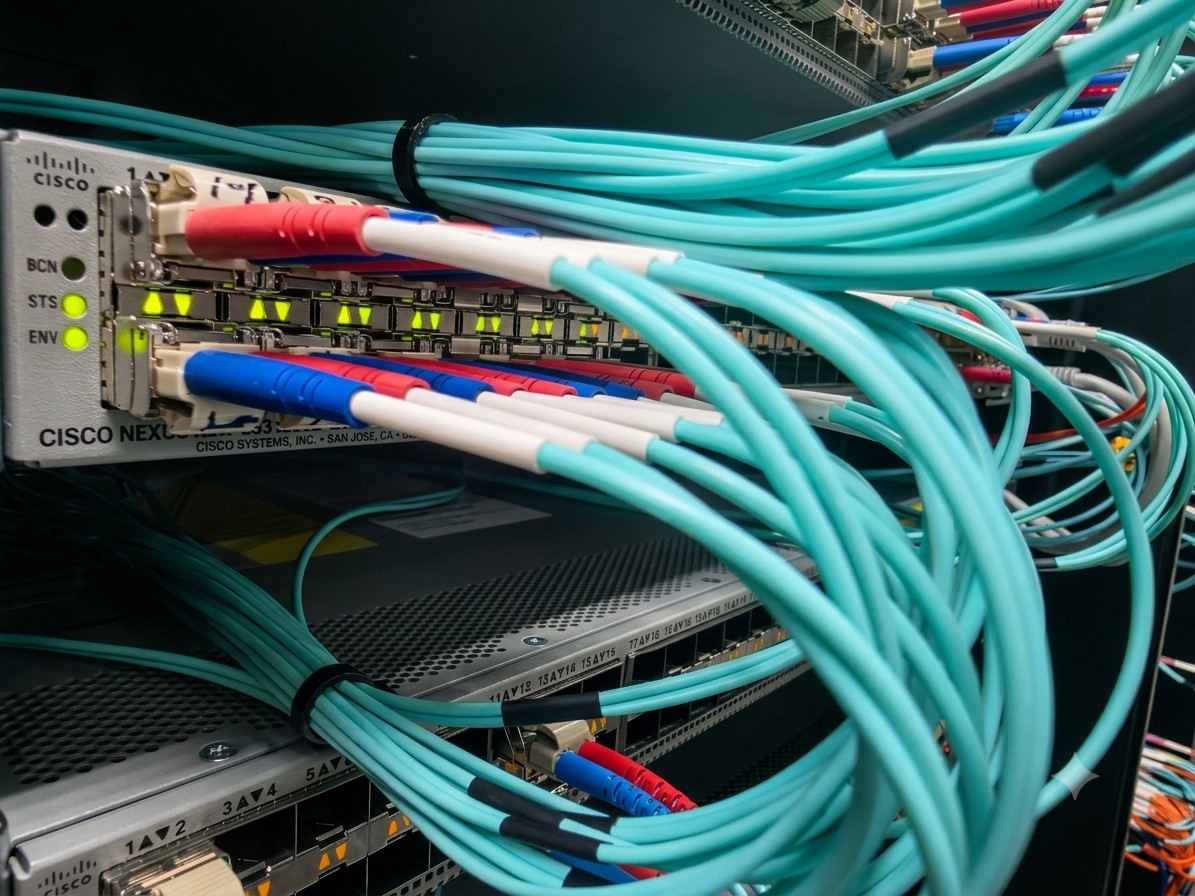 TRAFFIC DISTRIBUTION
Available functions and scope depend on equipment, server architecture and agreed service terms.
Review and configure traffic distribution based on application and server characteristics.

Configure VIPs, service ports and backend server connections as required.
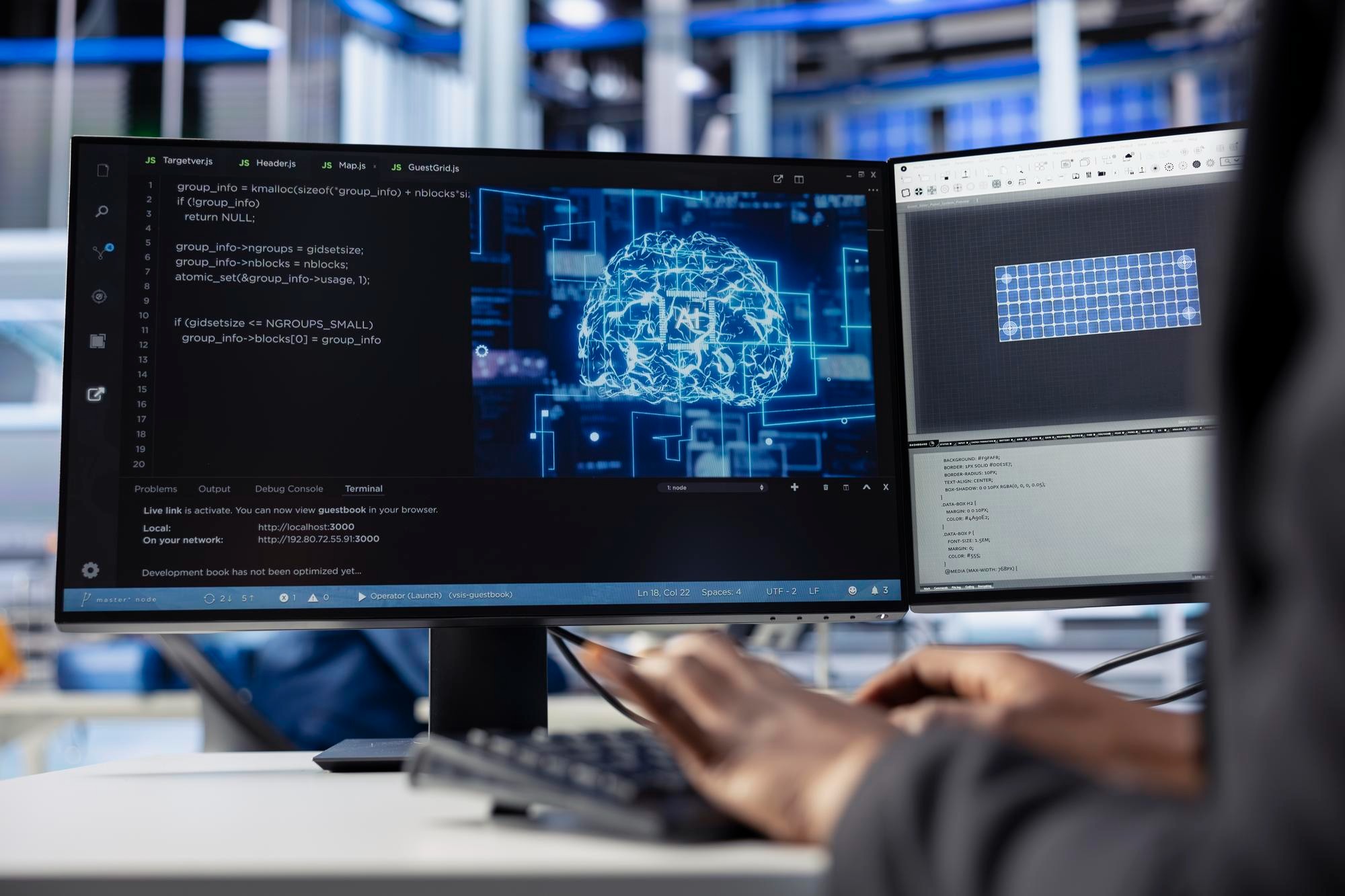
Set up health checks based on agreed conditions to monitor backend responsiveness.

Define traffic handling and recovery conditions for unavailable servers.

Review traffic paths across firewalls, switches and server networks.
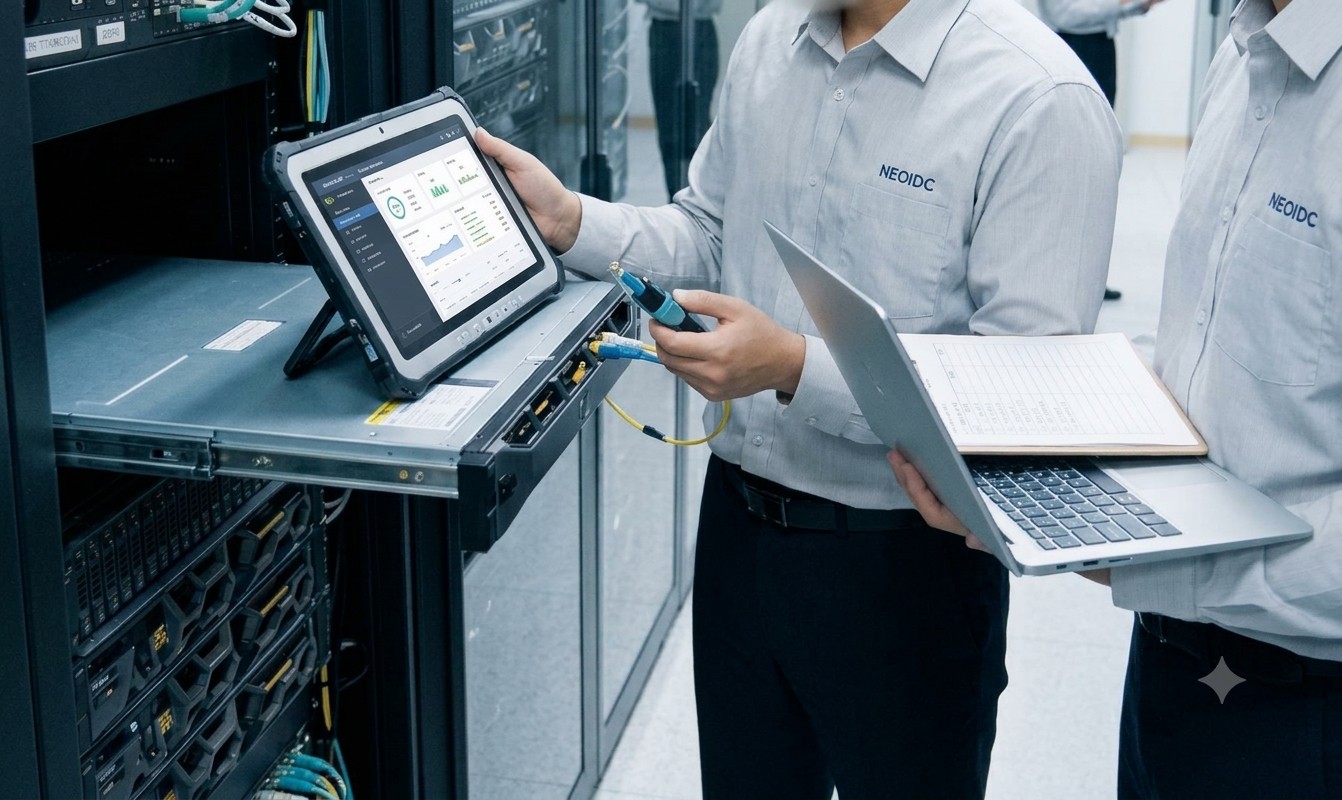
Support configuration reviews and adjustments when backend servers change.
This is a general illustration. Actual equipment placement, redundancy and failover depend on the customer environment.
※ Illustration only. Session handling, data synchronization and high availability requirements require separate review.
Review the service, servers, traffic and existing equipment.
Agree on VIPs, ports, distribution and health checks.
Configure L4 and server connections and validate traffic.
Validate normal and exception cases and document operational needs.
We review the vendor, model, firmware, current configuration and access rights before confirming support.
Behavior depends on health checks and distribution policies. Detection and recovery rules are agreed during design.
Redundancy can be reviewed based on device capability and network design; inclusion is subject to agreement.
We review new server IPs, ports and operating conditions before agreeing on changes.
Tell us about your servers and network, and we will review suitable options and support scope.
Load Balancing Inquiry ↗